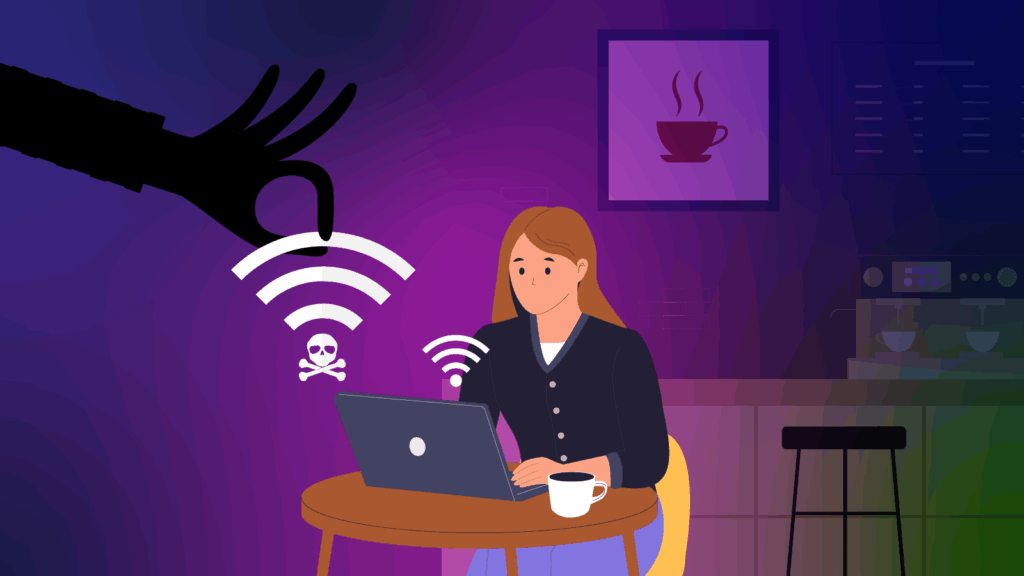
Whether you are travelling the globe or working from the local library or café, free Wi-Fi can be a lifesaver. But it’s also a playground for cyber criminals, making it important to adopt good habits to reduce the risk of your information or passwords being stolen while working remotely.
Key Takeaways:
- Public Wi-Fi is convenient but risky. Unsecured networks make it easier for cyber criminals to intercept your data, steal passwords, or mimic real hotspots.
- Safe habits go a long way. Checking the official network name, turning off auto-join, and using a trusted VPN significantly reduce your chances of being targeted.
- Avoid sensitive tasks on public networks. Banking, payments, and logins should wait - or be done over mobile data or a personal hotspot instead.
At Cyber Wardens, we believe being cautious doesn’t mean being paranoid – it just means being smart.
Why public Wi‑Fi is risky
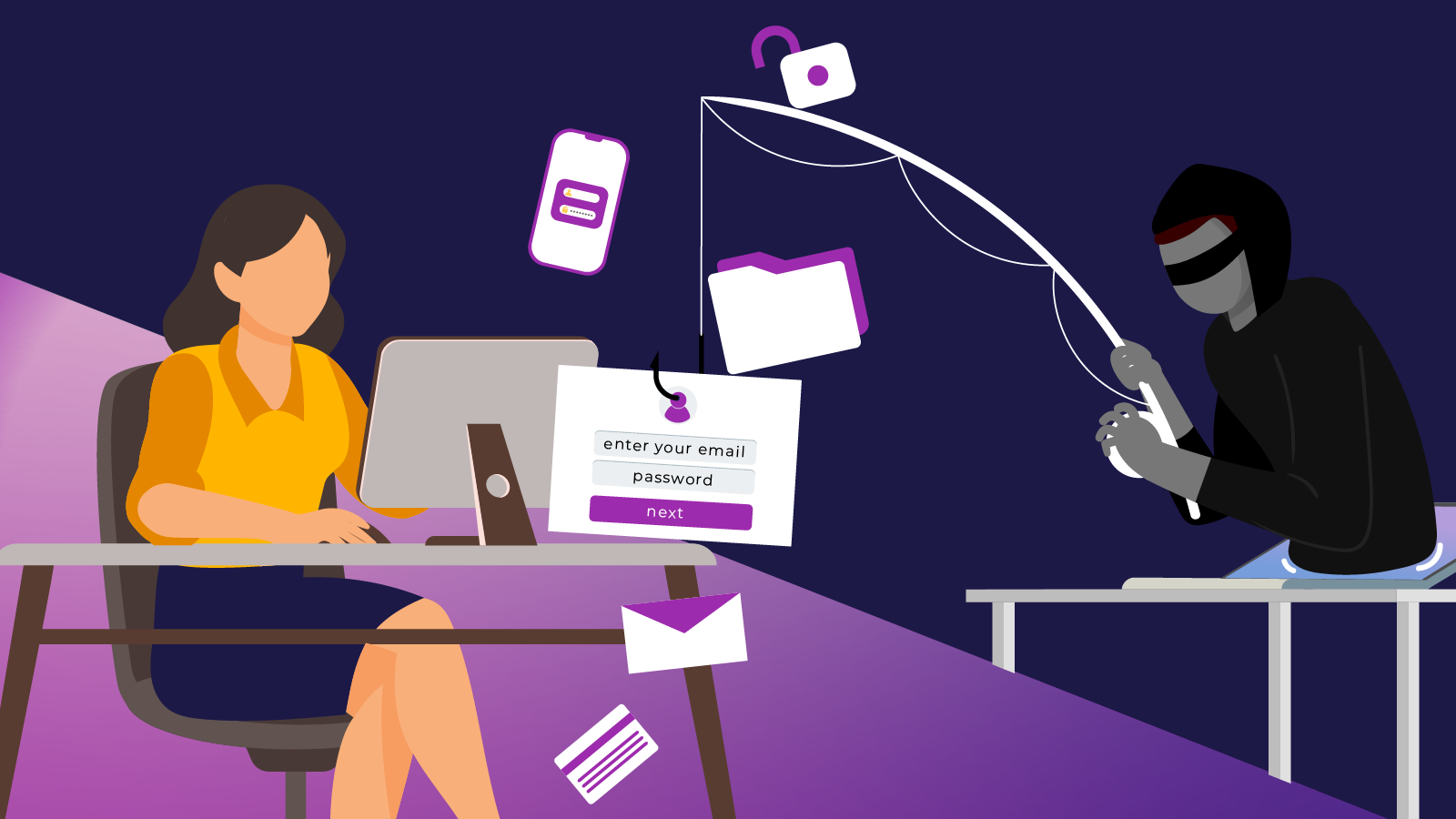
Behind that “free internet” sign could be someone trying to snoop on your data or sneak into your device.
- Public Wi-Fi or hotspots are often unsecured or poorly secured, meaning data sent across them might be intercepted.
- Attackers can set up fake hotspots (called “evil twin” networks) that impersonate legitimate ones and trap unsuspecting users. For example, BaliDreamHotel becomes Bali_dreamhotel
- If your device is set up for automatic connections, it can join unsafe networks without you knowing.
- Cyber criminals may attempt man‑in‑the‑middle attacks, intercepting your traffic, stealing credentials, or injecting malware.
Smart safety habits for public Wi‑Fi
Make sure you practice the following habits when working remotely or in a public space.
Confirm the official network name: Ask staff or check signage to ensure you’re connecting to the real network (e.g. “CafeName_Guest” rather than “Free_Cafe_WIFI”). If unsure, skip connecting or use a safer alternative.
Turn off auto‑join, and ‘forget’ after use: Disable settings that allow your device to connect to open networks automatically. After you’re done, “forget” the network so your device won’t reconnect later without your permission.
Use a trusted VPN: A Virtual Private Network encrypts all your traffic, adding a strong layer of protection on public networks. Do your research and find a reputable VPN provider that doesn’t log or share user data, uses strong encryption protocols, and offers a “kill switch” (a feature that automatically blocks your internet connection if your VPN connection unexpectedly drops out).
Only visit HTTPS/encrypted websites: Always look for the padlock symbol and “https://” in the URL. If your browser warns you about invalid security certificates, don’t proceed.
Avoid sensitive tasks: Don’t do banking, log in to financial or government sites, make payments or enter identity documents while on public Wi‑Fi.
Disable file sharing and network discovery: Turn off file sharing, network discovery, and similar services before connecting. Set your network type to “public/untrusted” mode to disable sharing features.
Keep your system and security up to date: Ensure you are using the current version of operating system, browser, antivirus/anti‑malware, and apps.
Use multi‑factor authentication (MFA): Even if your password is compromised, MFA provides an extra barrier.
Be cautious of pop‑ups & updates: Don’t accept software updates or downloads prompted by the network while connected.
Use your device as a hotspot when possible: If you have mobile data, use your phone as a personal Wi‑Fi hotspot instead of public networks. If travelling overseas, consider getting an eSIM and buying an affordable data plan.
What to do if you think your connection was compromised
If you think your Internet connection was compromised while working offsite, there are some steps you can take to mitigate the risks.
- Disconnect immediately from public Wi‑Fi
- Change the passwords to important sites and accounts including financial institutions, email and social media (on a safe network)
- Scan your device with reliable antivirus or anti‑malware tools
- Monitor your accounts for suspicious activity
- Consider notifying your IT provider if you have one
Public Wi-Fi is just one of many digital traps small businesses face. But with the right knowledge, you can avoid them. The Cyber Wardens training gives you the tools to protect yourself, your team, and your business from common online threats. Get started today and become a Cyber Warden.