Business travel can be a first-class opportunity to grow your client base and squeeze in a spot of sight-seeing. But cyber criminals love to target travellers, especially if they’ve packed their laptop and business phone.
Key Takeaways:
- Prepare before you depart - Update all devices, use strong passphrases, and enable multi-factor authentication (MFA) on key accounts. A quick pre-trip security check can prevent major issues while you’re away.
- Treat public connections with caution - Free Wi-Fi may be convenient, but it’s often insecure. Avoid connecting where possible, use mobile data or a VPN, and turn off auto-connect settings to reduce your risk of interception or scams.
- Protect your devices and data at all times - Keep devices close, avoid public charging ports, back up important data before you leave, and be mindful of what you share online. Losing a device or oversharing your location can quickly turn into a business risk.
Why do you need to stay safe whilst travelling?
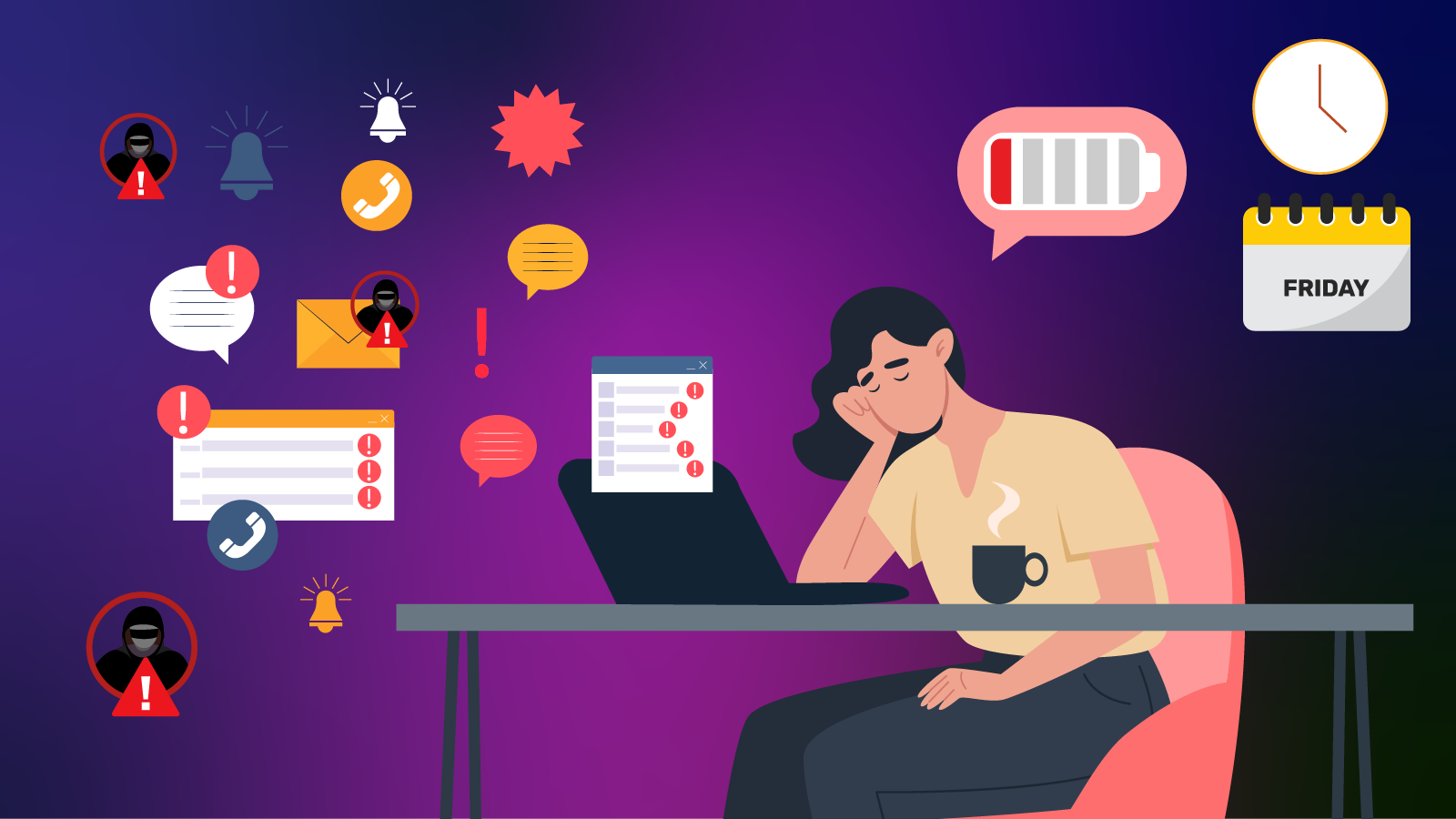
Why? Travellers are often distracted, time-poor and ready to click ‘connect’ faster than you can say boarding call.
Public Wi-Fi, lost devices and weak passwords are common risk factors when travelling, according to the Australian Cyber Security Centre (ACSC). For small business owners, that could mean compromised client data, frozen systems or a very unwelcome ‘out of office’ crisis.
Small business owners, in particular, must take proactive steps to protect devices, accounts and sensitive company data while on the move.
Here are the top five cyber safety strategies every small business owner should implement when travelling:
1. Pre-flight device check
Install the latest software updates on your laptop, phone and tablet. These updates help patch security vulnerabilities that hackers actively exploit.
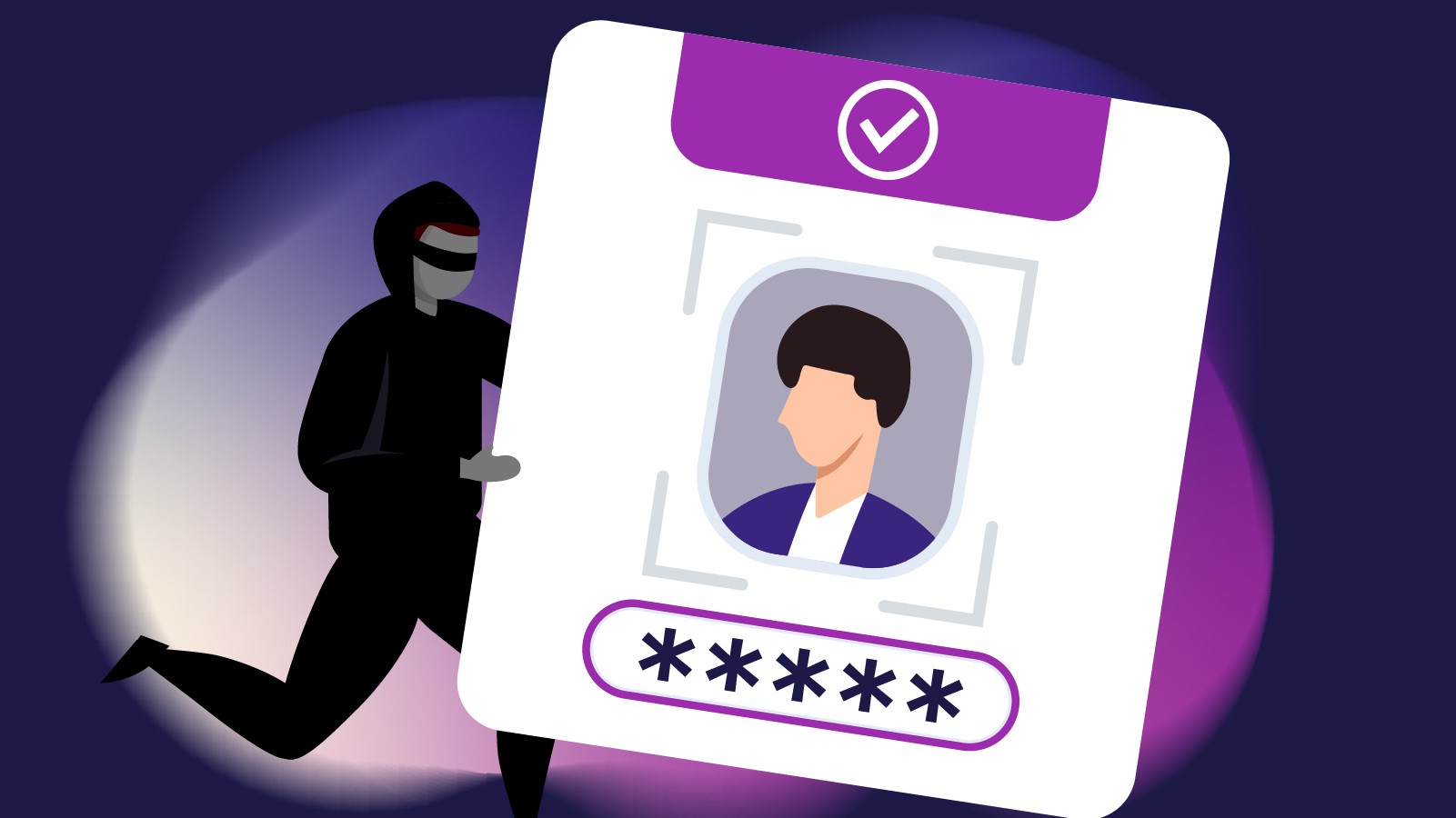
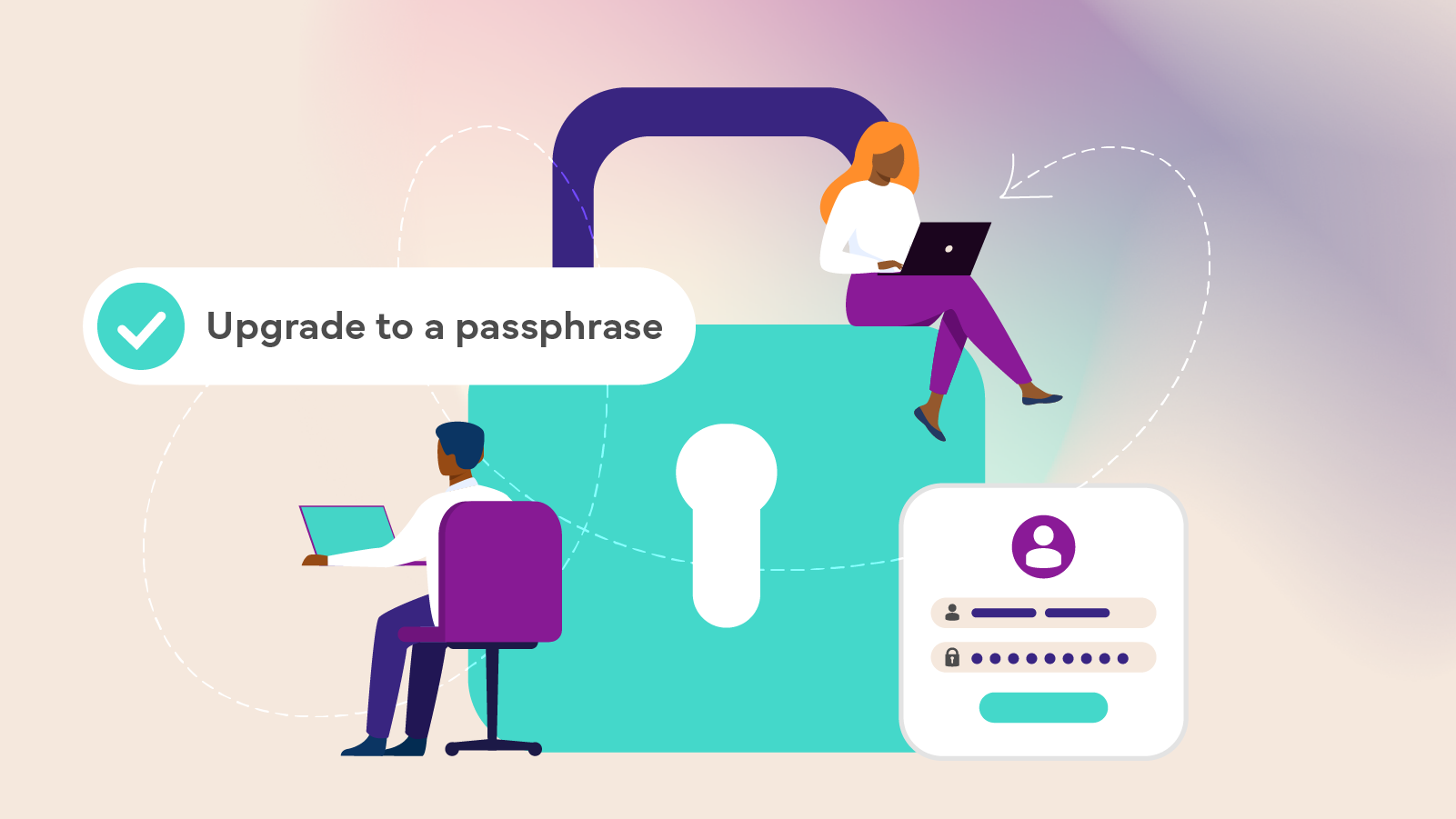
And while you’re at it, use strong, unique passphrases (think long, memorable, unrelated words, numbers and characters. Not “Rome2026”). You should also turn on multi-factor authentication (MFA) for email, banking and cloud accounts. MFA is like airport security for your accounts. Even if someone nabs your password, they won’t breeze through without that second check.
2. Beware the allure of free Wi-Fi
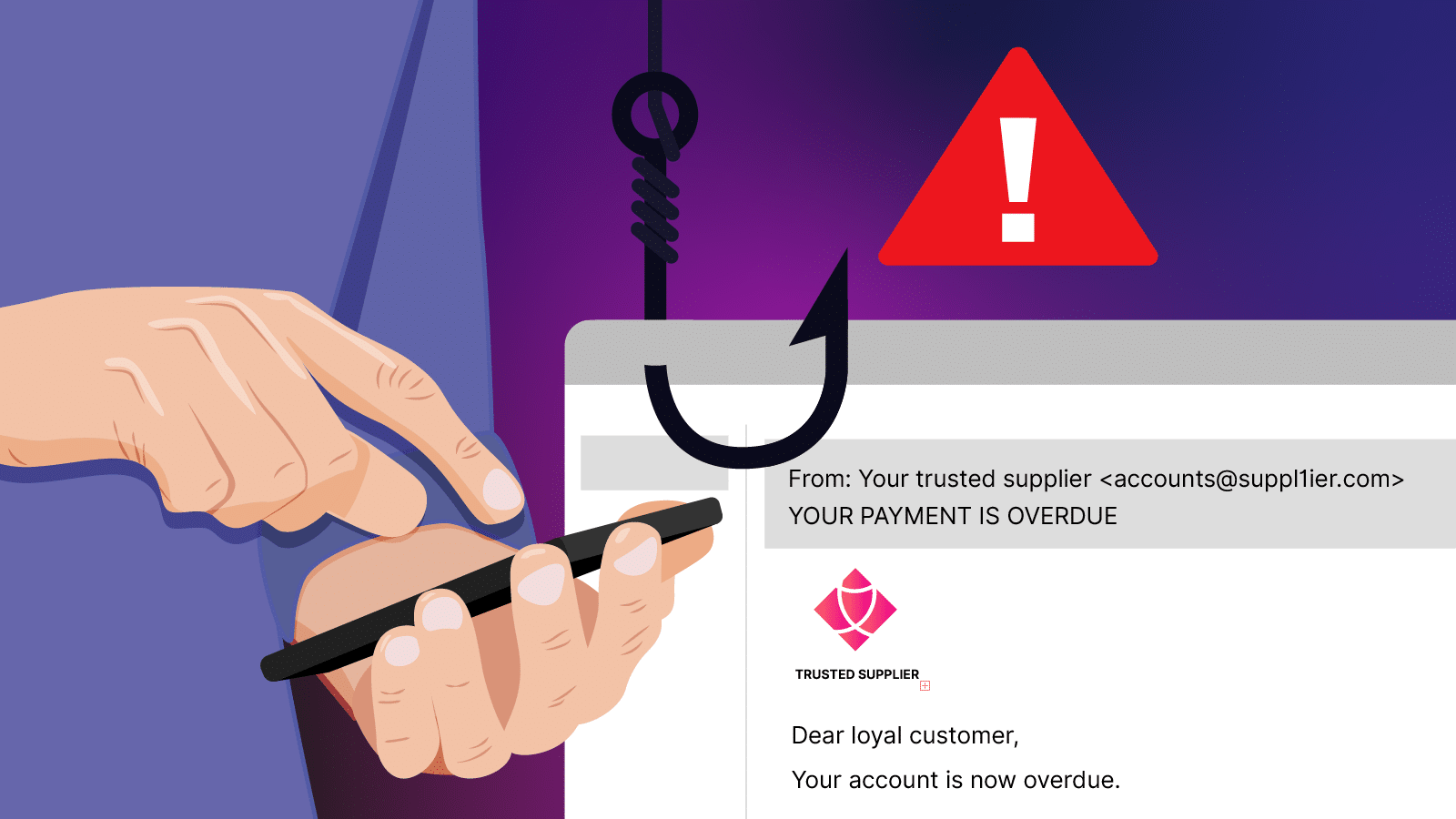
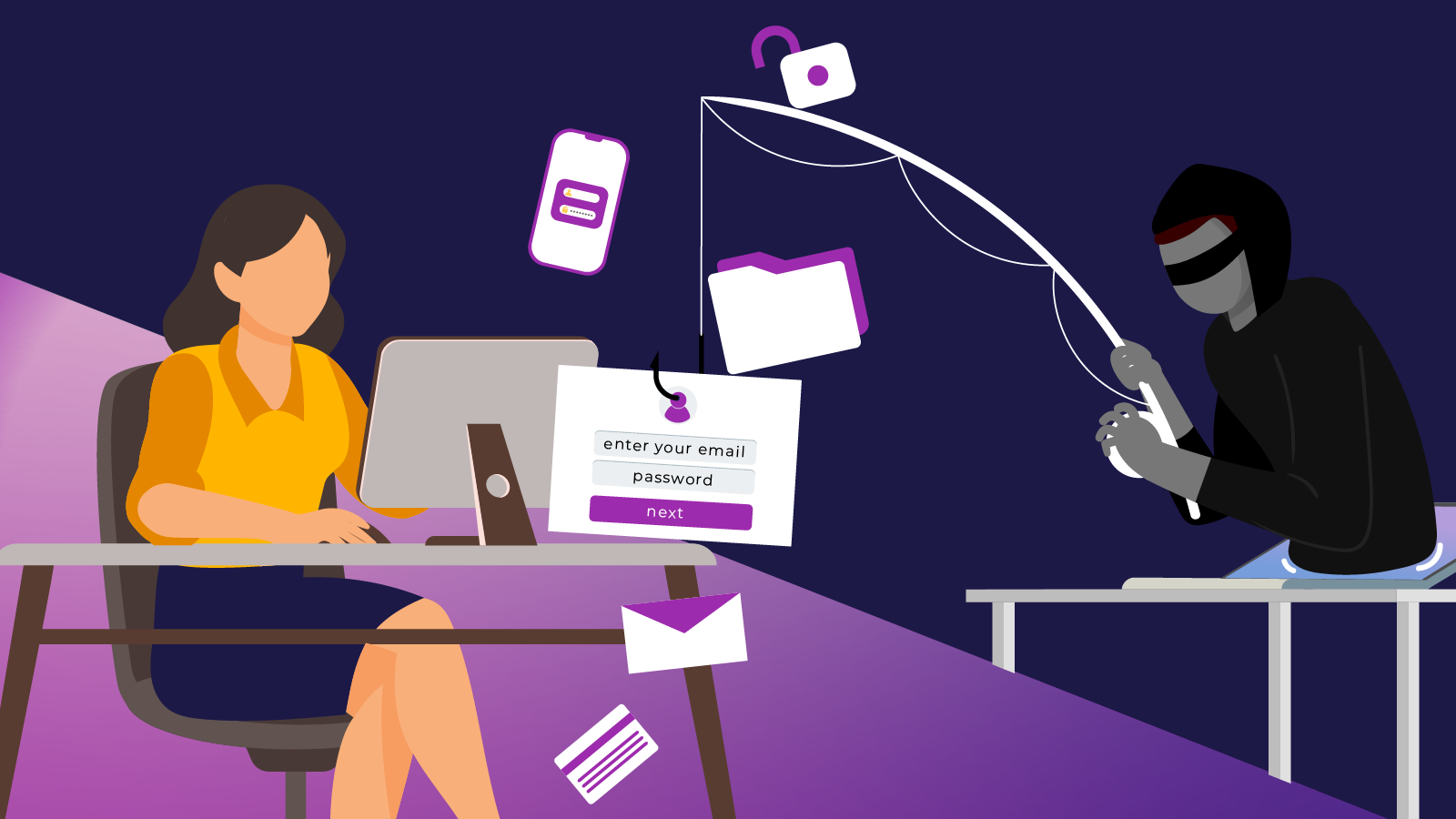
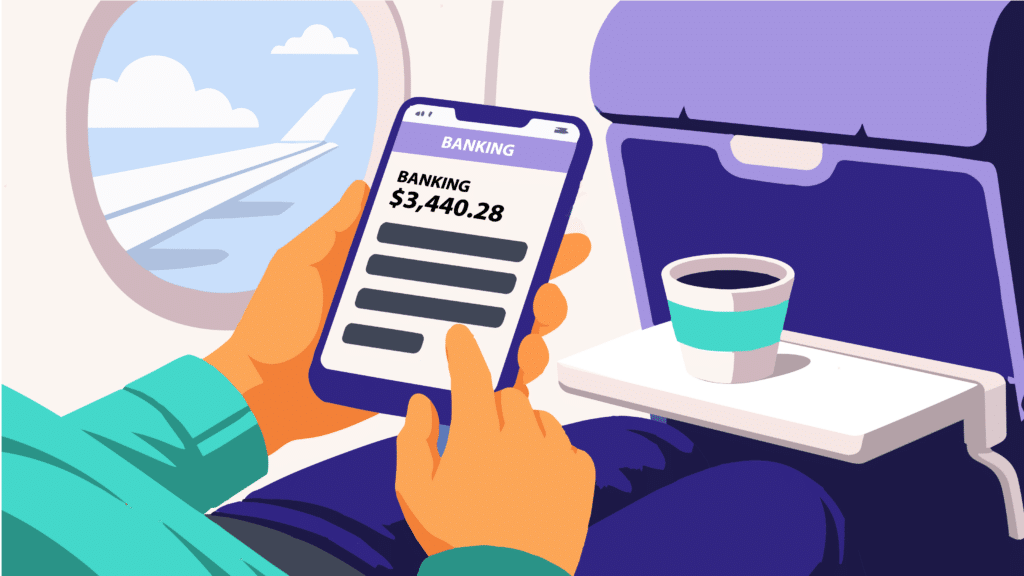
Public networks are often unsecured, meaning attackers can intercept data or create fake, look-alike hotspots. Connecting without protection could expose logins, emails and sensitive files.
One Australian traveller learned this the hard way, documenting her brush with hackers for travel website Escape.
The writer fell victim to an ‘evil twin scam’ at Sydney airport after logging on to a free Wi-Fi network that she admitted “seemed a bit odd”.

She only realised something was wrong when a suspicious transaction appeared on her bank statement.
“Turns out getting scammed via airport Wi-Fi is remarkably common,” she wrote.
“You’ve probably had the experience of flipping open your Wi-Fi settings in a strange airport and seeing dozens of options appear, many of which look confusingly similar.
Perhaps there’s a SYD-AIRPORT but also a SYD-AIRPORT5G and a SYD-AIRPORT-FAST.”
Pro tips:
- Hotspot or use mobile data where possible. Consider getting an eSIM for cheaper data.
- Turn off automatic Wi-Fi connections
- Use a reputable Virtual Private Network (VPN) to encrypt your traffic. Think of a VPN as your digital invisibility cloak. Without it, you may as well be livestreaming your passwords from Gate 12.
3. Keep devices on a short leash
A laptop left in a taxi or a phone forgotten in a café can quickly become a data breach headline.
Smart moves include:
- Keeping devices in carry-on luggage, not checked bags
- Using screen and USB locks
- Considering a tamper seal over the hard drive access point
- Avoiding public USB charging stations, which can be used for “juice jacking” (where malware is installed via charging cables)
- Turning off Bluetooth when you are not using it, to stop cyber criminals from pairing with your device and stealing your data.
If you wouldn’t hand a stranger your passport, don’t hand them your unlocked phone.
4. Back up as you pack
Before you head off, back up critical business data to a secure cloud service or encrypted drive.
The ACSC strongly recommends regular backups as protection against device loss or ransomware.
If your laptop takes an unexpected holiday of its own, a back-up ensures your business doesn’t go with it.
5. Be mindful of ‘today’s office’ posts
Posting Paris selfies with your laptop might spark envy.
But it can also signal that your office is unattended, you’re away from your usual routines, and possibly distracted.
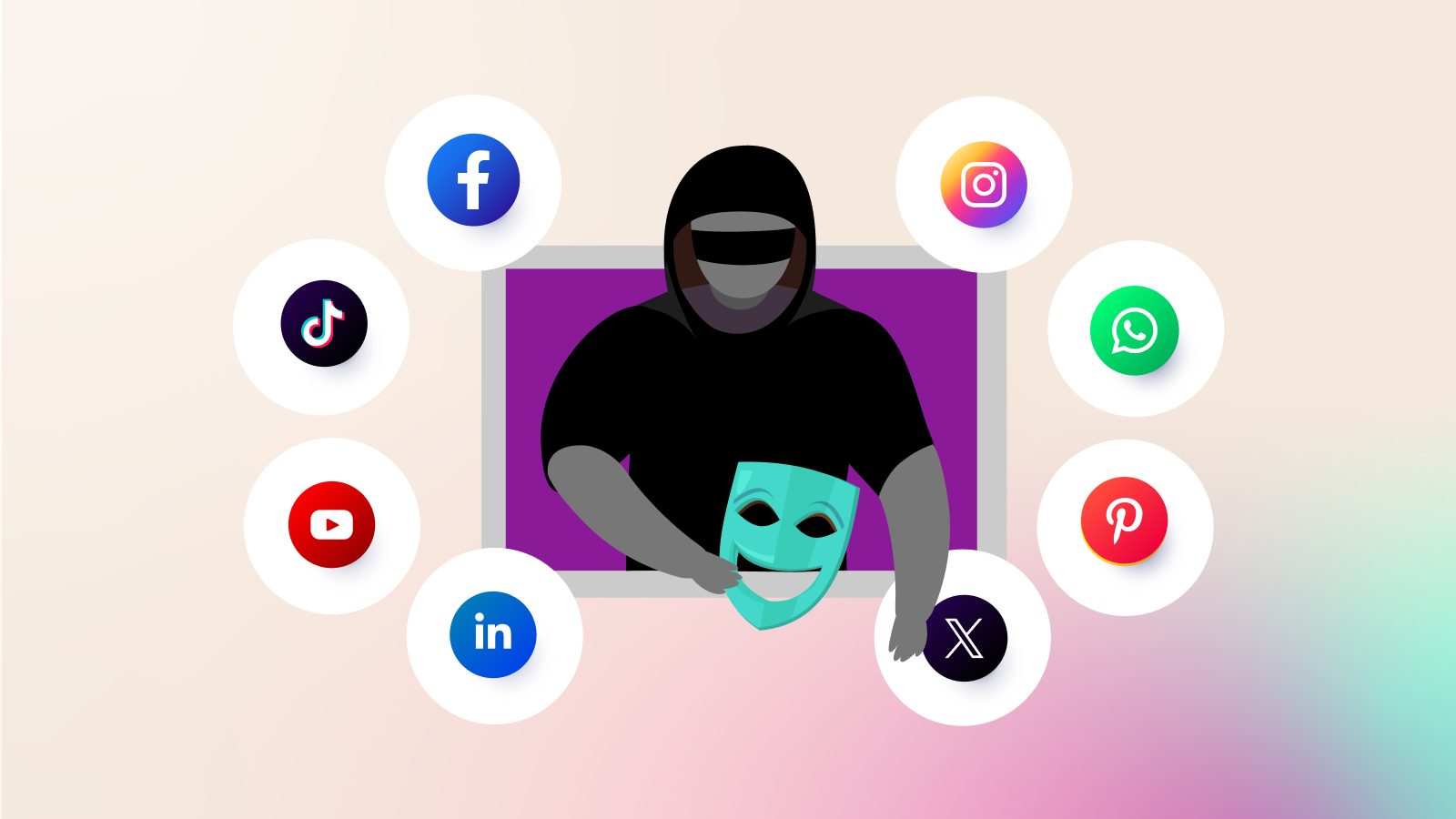
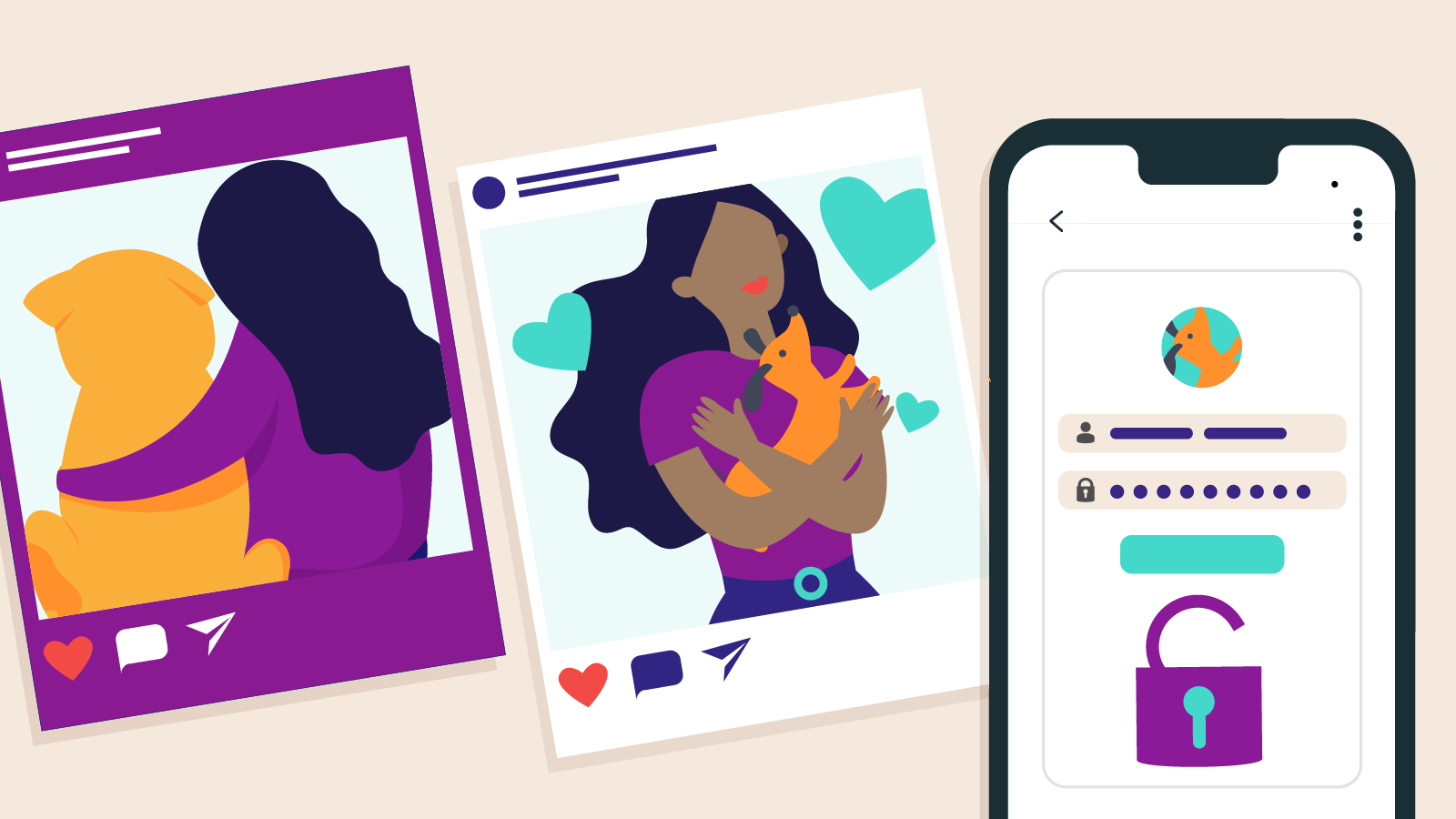
Criminals monitor public posts for opportunities, and oversharing travel plans on social media can increase cyber risks.
Also be mindful of “shoulder surfing” in public spaces. That friendly stranger behind you in the café queue might be more interested in your banking login than your flat white.
Conclusion
To learn more about protecting your accounts, data and systems, explore our course catalogue and enrol in the free Cyber Wardens training program.