Using cloud storage safely means understanding how to help protect your data and knowing where your responsibilities begin and end.
Key Takeaways:
- Cloud storage is convenient, but security is your responsibility: Providers protect their infrastructure, but you’re responsible for securing your data and access.
- Strong access controls reduce risk: Multi-factor authentication, strong passwords and role-based access help prevent both external and internal breaches.
- Compliance and backups matter: Understanding legal obligations and having backup plans in place protects your business in the event of an issue.
Cloud storage is a game-changer
Cloud storage is a game-changer for Australian small business owners and sole traders. Services like Google Drive, Dropbox and OneDrive make it easy to store, access and share files from anywhere, whether that’s documents, images or customer information. It’s flexible, cost-effective and ideal for businesses on the move.
But with convenience comes risk. Cyber threats are on the rise, and small businesses are increasingly frequent targets. Using cloud storage safely means understanding how to help protect your data and knowing where your responsibilities begin and end.
Boost your security
Most cloud providers use security measures like encryption and firewalls, but that doesn’t mean you’re fully protected by default. You can strengthen your security by:
- Choosing a trusted provider with strong security features, including encryption
- Turning on multi-factor authentication (MFA) to add an extra layer of protection
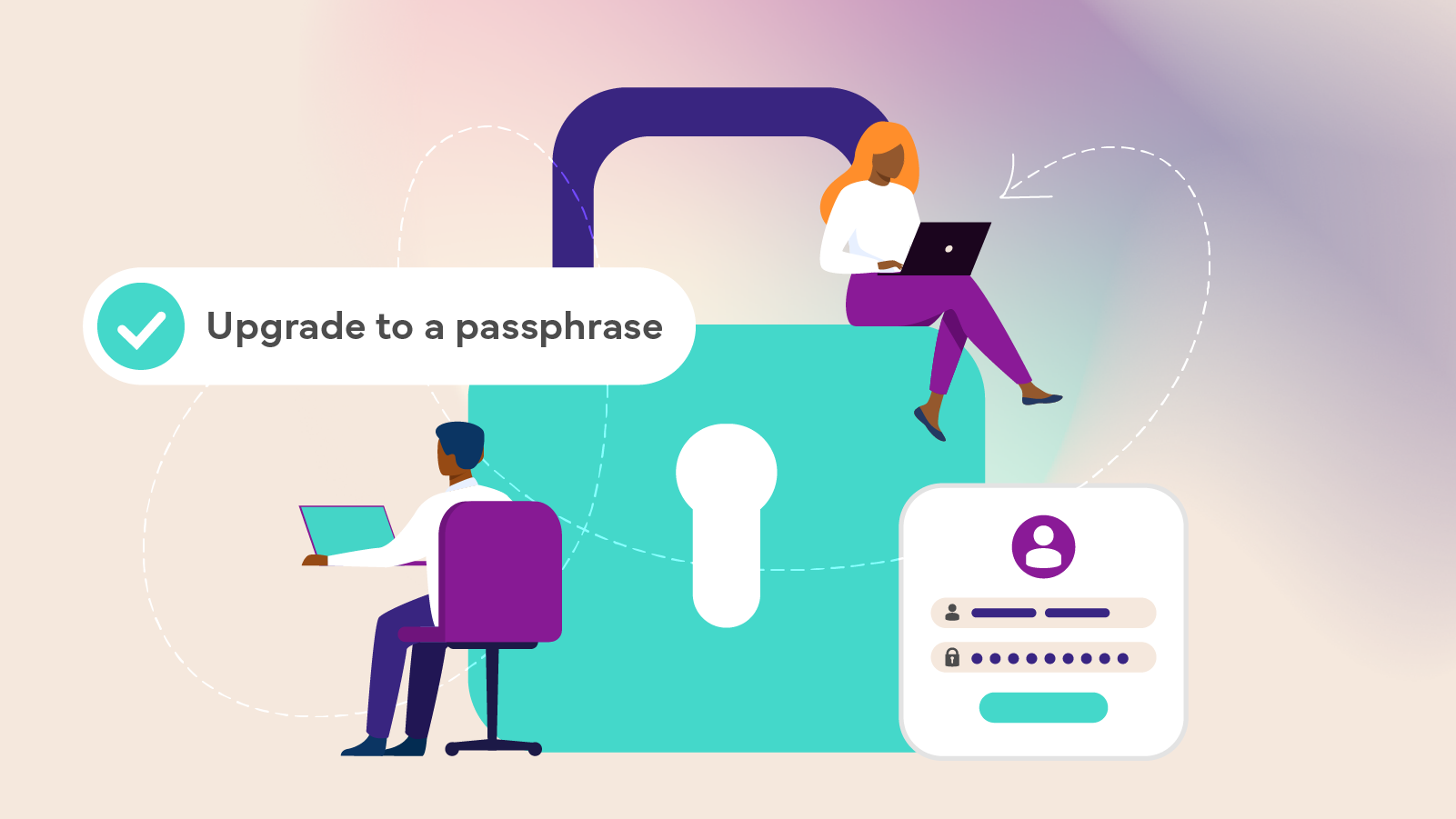
- Using strong, unique passwords for each account, and a password manager to keep track of them
These simple steps make it much harder for cyber criminals to gain unauthorised access.
Control who can access your data
Because cloud storage relies on third-party infrastructure, having a backup plan is essential.
- Keep secondary backups, either on another cloud platform or an external drive
- Understand your provider’s terms, including their disaster recovery processes
- Check system status pages so you’re aware of outages or service issues
If something goes wrong, backups can be the difference between a minor disruption and a major setback.
Stay in control of your data
Cyber risks don’t just come from outside your business. It’s important to manage internal access carefully.
- Use role-based access so staff can only see what they need to do their job
- Regularly review activity logs to spot unusual behaviour
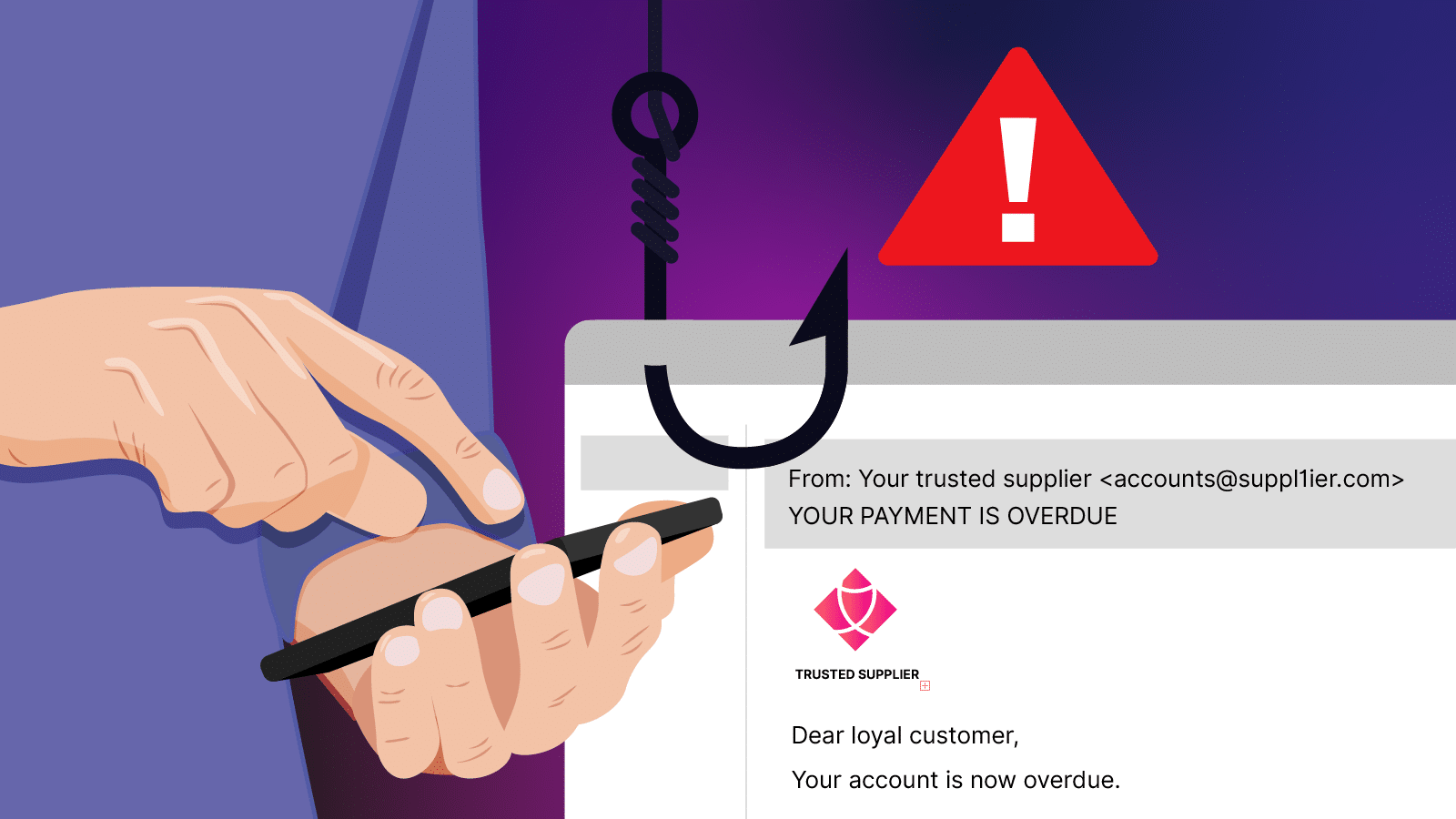
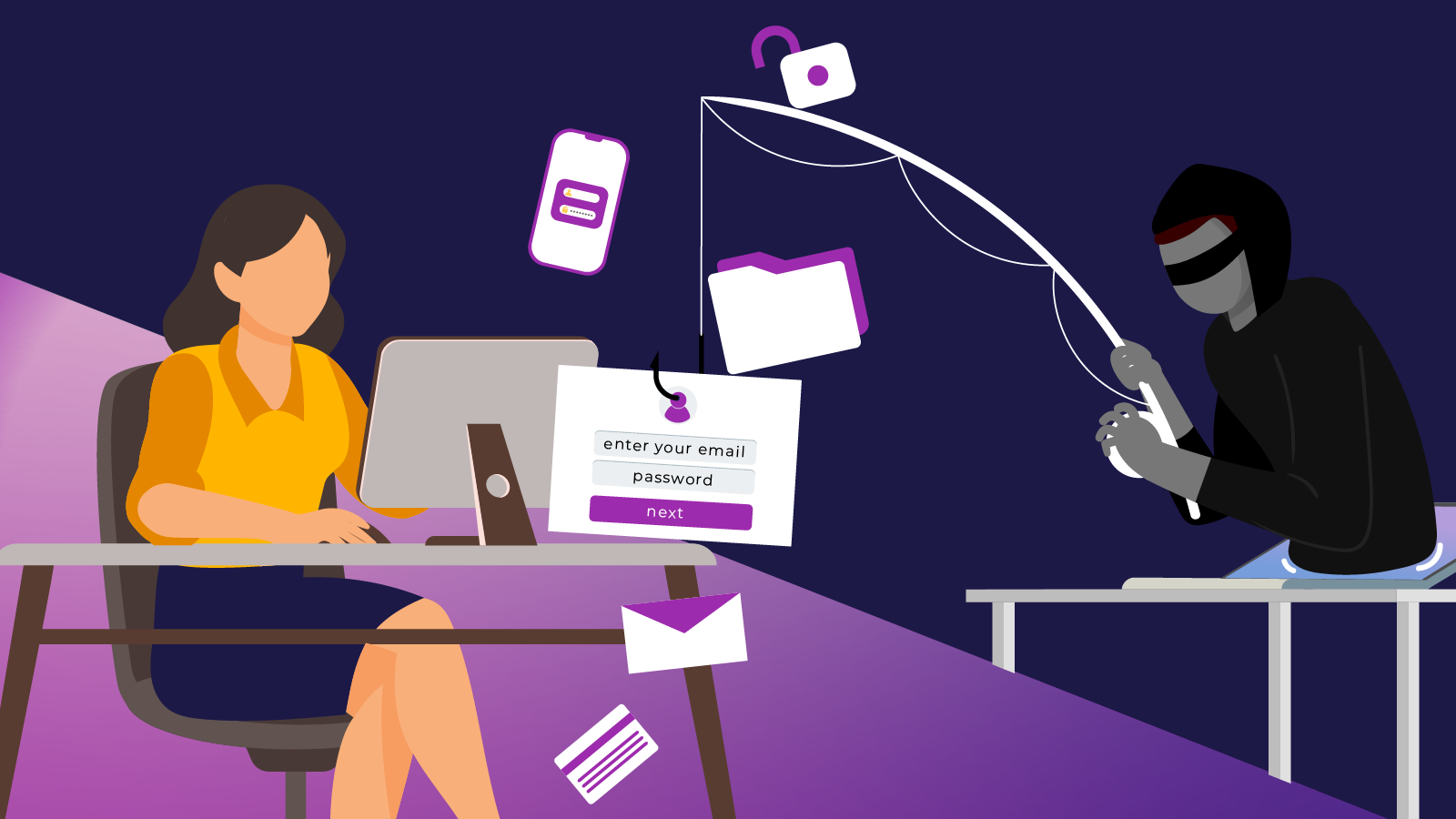
- Train staff in basic cyber safety, including how to recognise phishing emails and avoid suspicious downloads
Limiting access reduces the damage that can be done if an account is compromised.
Know your role in cloud security
Cloud storage works on a shared responsibility model. Your provider secures the infrastructure, but you’re responsible for how your data is stored, accessed and protected.
That means managing user permissions, enabling security settings and regularly reviewing your configurations. By staying proactive and informed, you can enjoy the benefits of cloud storage with confidence knowing your business data is secure, accessible and protected.
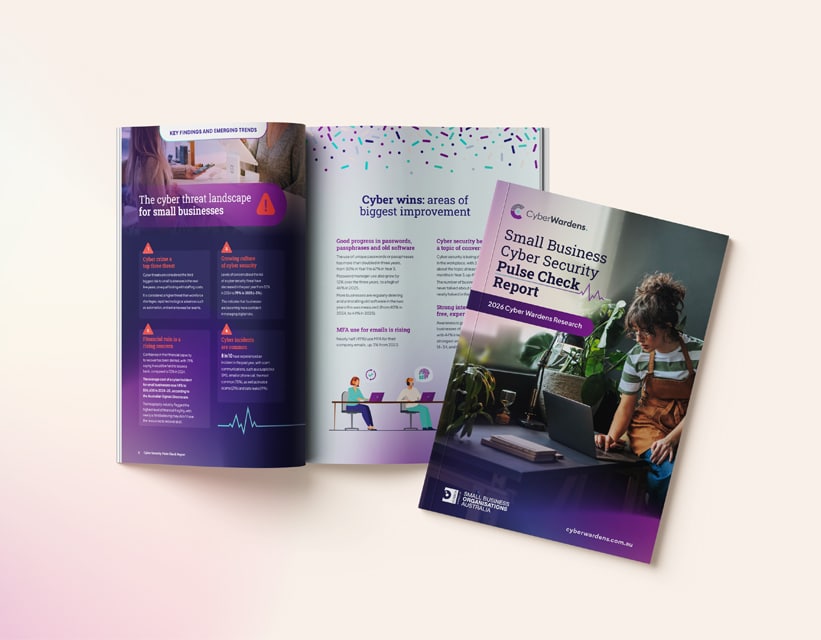
To learn more about staying safe online and reducing your risk of being hacked or scammed, explore our course catalogue and enrol in the free Cyber Wardens training program.